The Dominus Extreme Came Back From the Dead
I thought this board was cooked.
April 2025. The ROG Dominus Extreme had been sitting in a box since my last build. Moved, packed it up, figured I’d deal with it later. When I finally pulled it back out and tried to fire it up with the Titan RTX, it hit POST code 00 and just sat there. Nothing. No boot, no signs of life beyond the fans spinning. Classic 00 — the board isn’t even initializing.
My first assumption was a resistor problem somewhere on the board. That’s been documented on the Dominus before, a cold joint or a blown resistor on the power delivery side can cause exactly this. I listed it on eBay as-is, disclosed the issue, and figured whoever bought it would either fix it or part it out.
Then a buyer messaged me.
”Can You Try Something?”
He was interested but wanted me to do a little troubleshooting before committing. Suggested trying different RAM configurations and swapping BIOS chips. I almost ignored it — the board was boxed up, I’d moved on. But something about it nagged at me.
So I dragged everything back out.
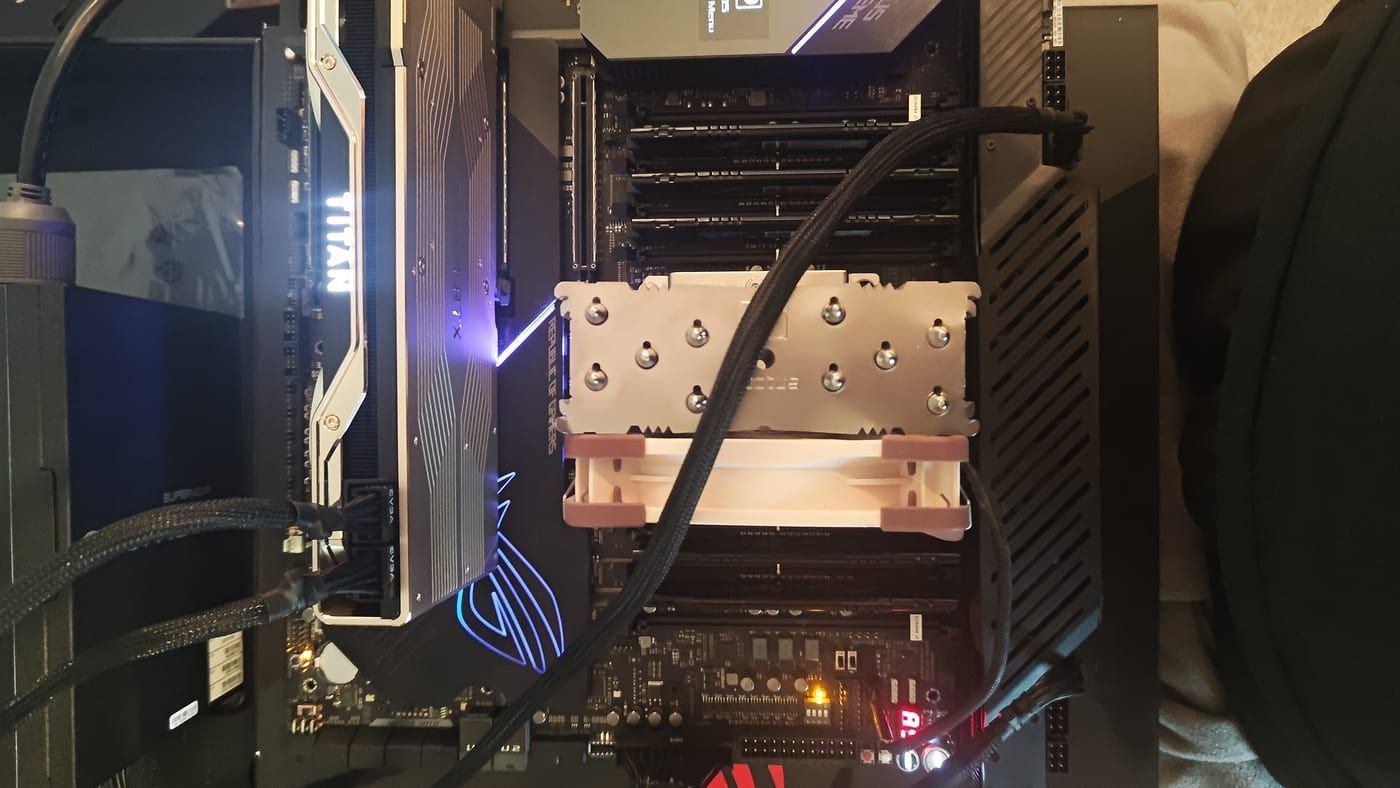
The W-3175X went back in the socket. I grabbed 6 sticks of RAM and populated the slots strategically — the W-3175X has a notoriously demanding IMC and on a board like the Dominus, bad RAM config or marginal sticks can absolutely cause a 00 on cold boot. Giving the IMC the best possible chance to train.
Power on. 00. Still nothing.
The BIOS Switch
The Dominus Extreme has two BIOS chips on board — a main and a backup. I flipped to the backup BIOS. Still 00. Flipped back.
Then I looked at the rear I/O.
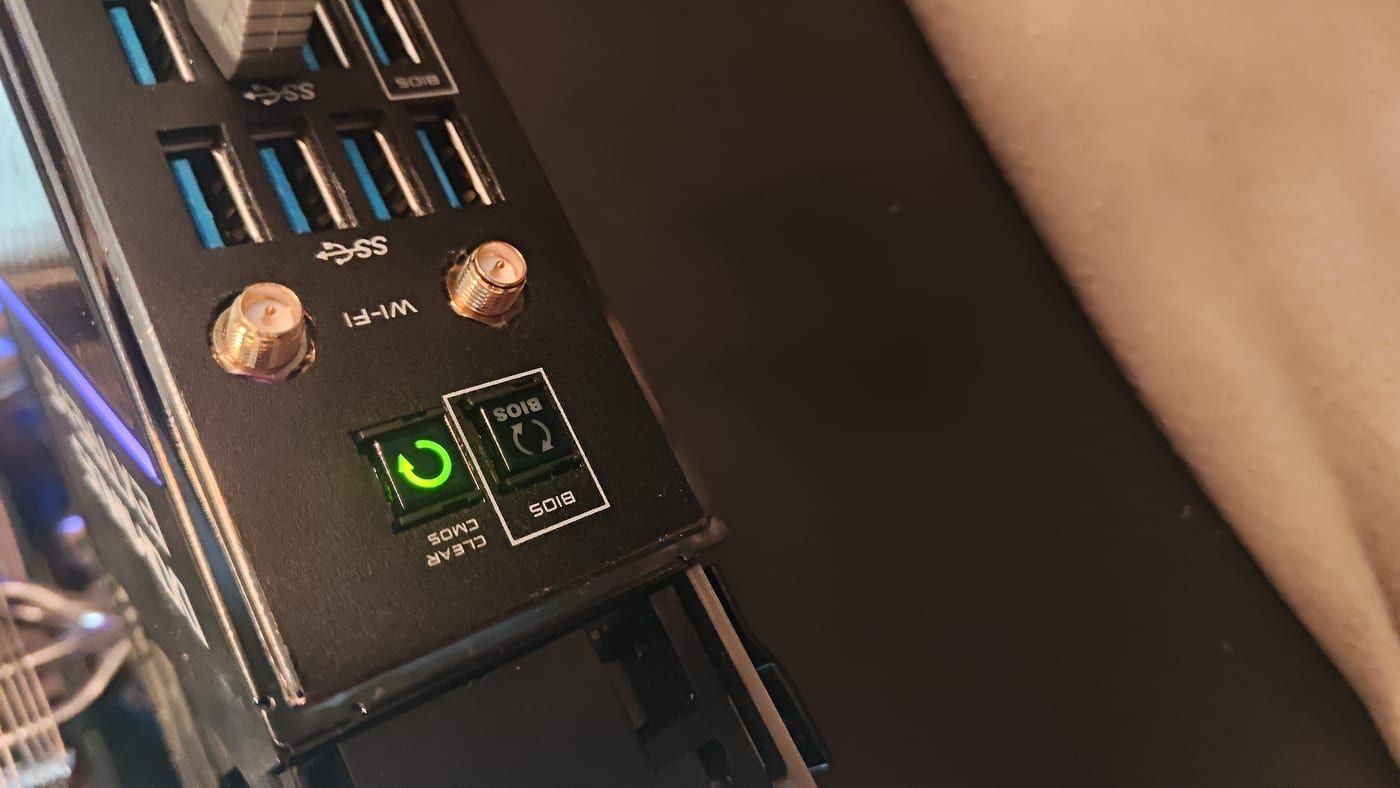
The Clear CMOS button was lit green and flashing. That’s not normal idle behavior. That’s the board telling you something is wrong with its stored configuration — corrupted settings, bad overclock data saved from a previous session, something in NVRAM that it couldn’t reconcile on boot.
I held the button. Let it clear. Waited for it to stop flashing.
Hit power.
It Posted.
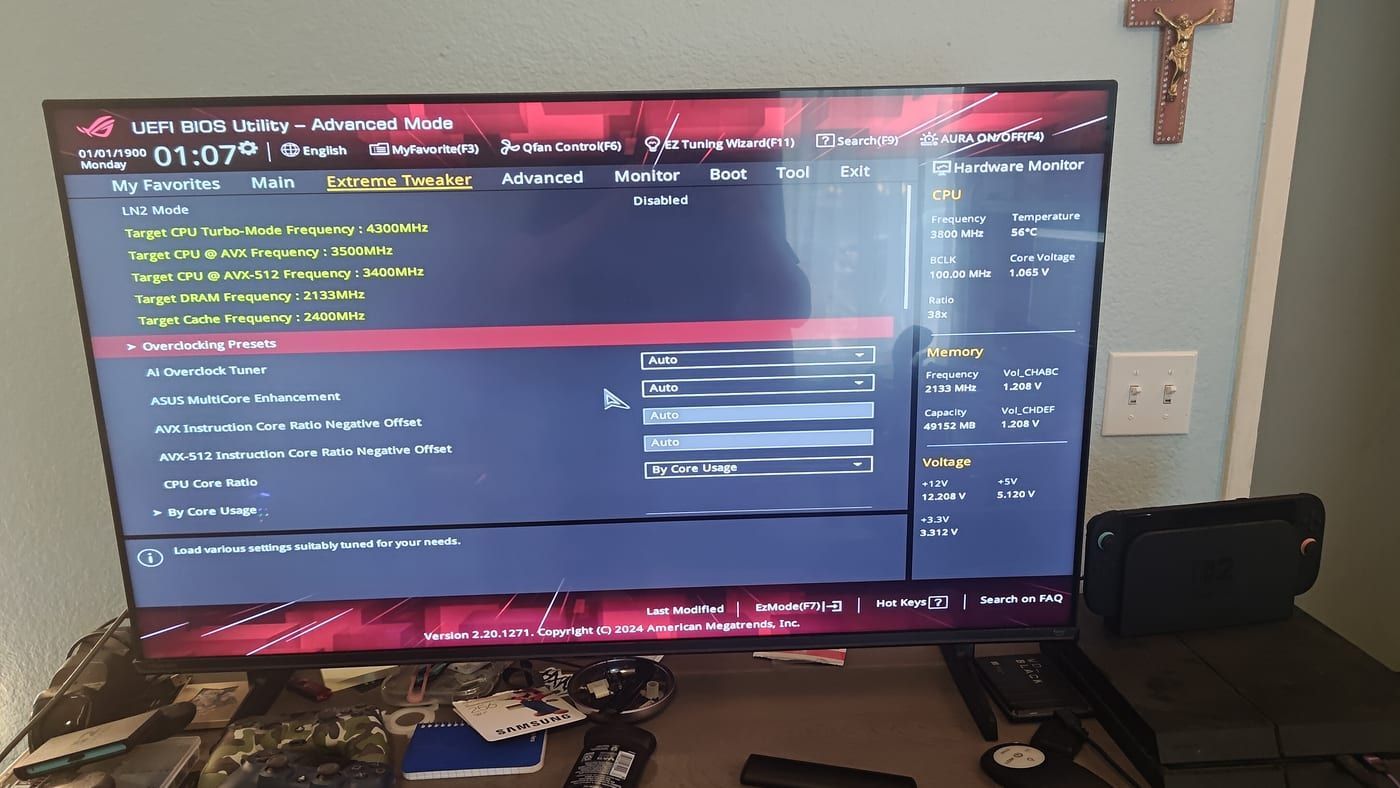
Straight into the UEFI. Extreme Tweaker loaded clean. All 6 sticks detected — 49,152 MB showing in the hardware monitor. CPU sitting at 56°C, core voltage at 1.065V, +12V rail at 12.208V. Everything nominal.
The board wasn’t dead. It had corrupt CMOS data from whenever I last ran it, probably a failed overclock attempt that saved bad values. Every boot after that it was trying to initialize with settings it couldn’t handle, hitting 00, and giving up.
One button fix.
What’s Next
The board is alive. Now I actually have to make a decision.
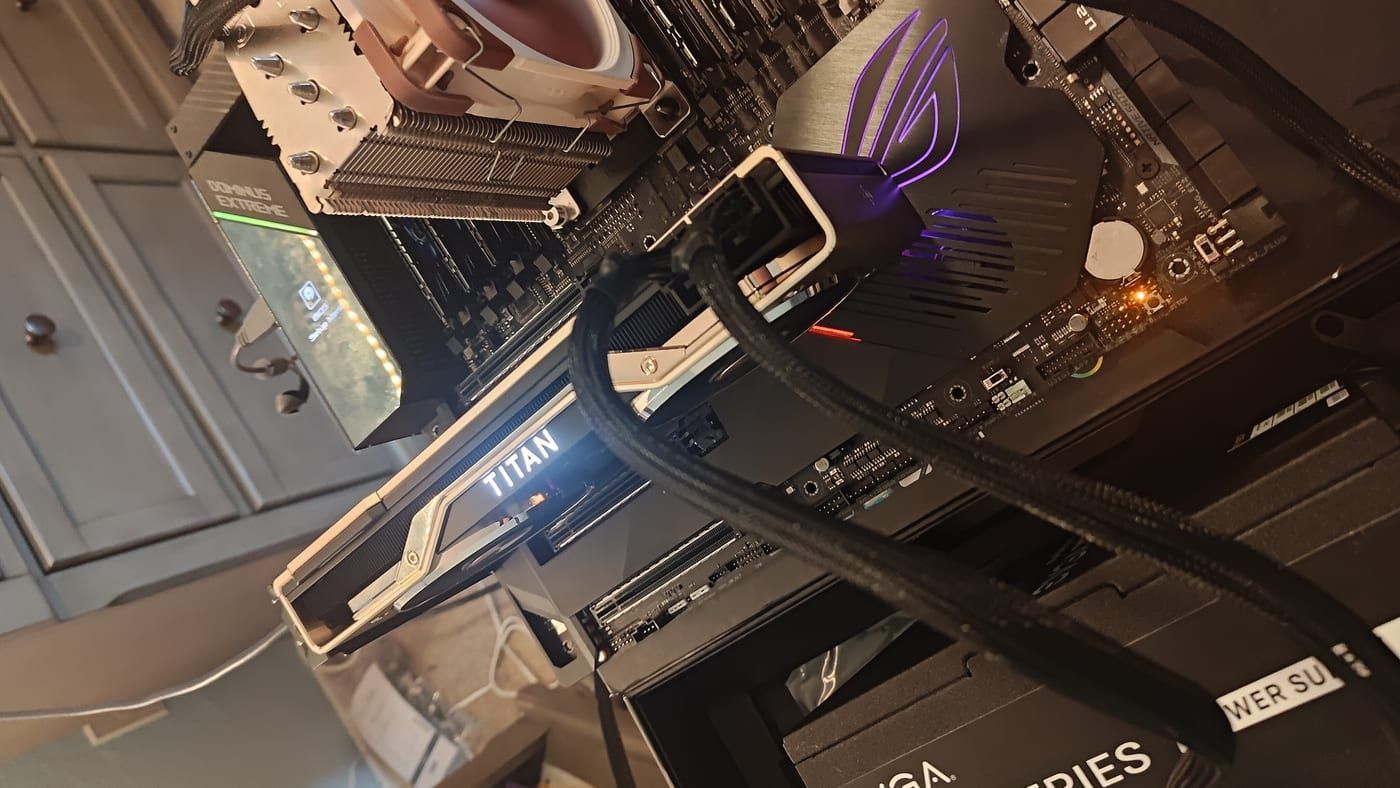
I’ve got the W-3175X, the Dominus Extreme, and the Titan RTX all running together. The Titan RTX supports NVLink — and the Dominus has the PCIe slots to run two of them. That’s been in the back of my head since I picked up the Titan.
For now the eBay listing is coming down. This thing deserves better than being parted out to fix a CMOS issue.
ROG Dominus Extreme — LGA 3647, 6-channel DDR4, W-3175X installed, Titan RTX. Status: very much alive. Full details on the finds page.
From Marks Finds
- ASUS ROG Dominus Extreme — Motherboard
- NVIDIA Titan RTX — GPU
- Intel Xeon W-3175X — CPU