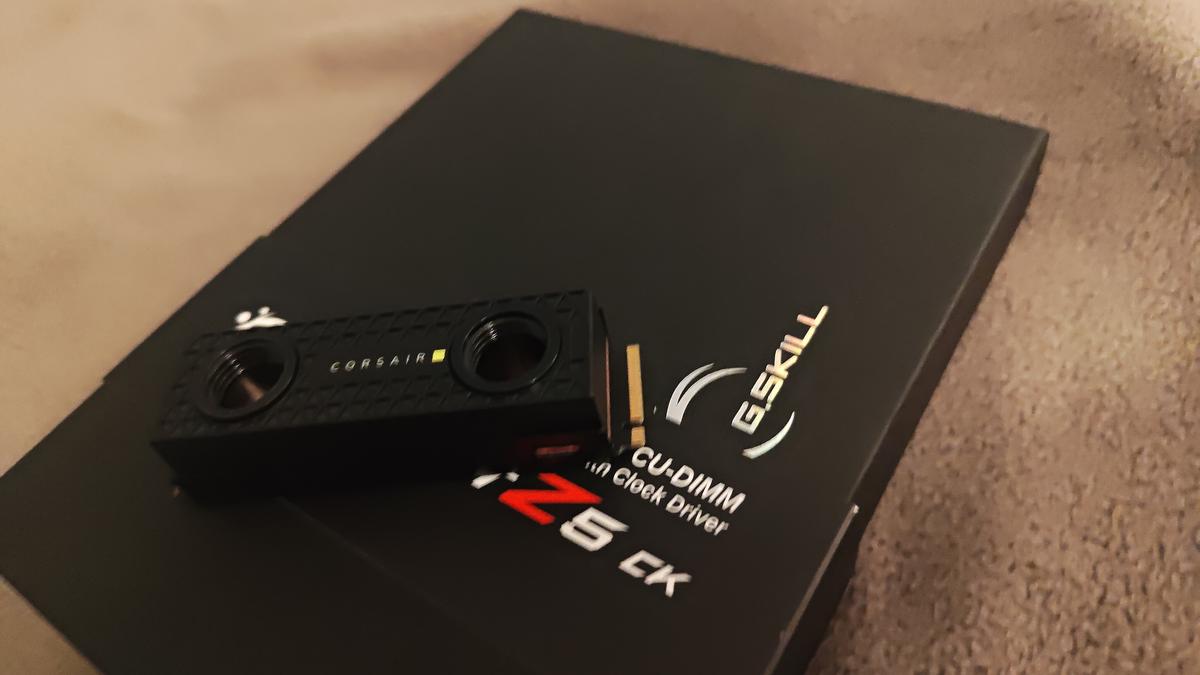
Corsair XM2 M.2 Waterblock + Samsung 980 1TB
Started with a Corsair XM2 M.2 waterblock I’d been sitting on and a spare Samsung 980 1TB. The block is passive — no pump, no fittings of its own, just direct copper contact designed to bolt onto the drive and integrate into an existing loop or act as an oversized heatsink.
Sealed retail box, never opened. The XM2 comes with everything: the top block, the bottom mounting plate, pre-applied thermal pads, and docs. The contact plate underside is copper, which is what actually touches the NAND and controller. Peel the protective film off the pre-cut pads, slide the 980 into the bottom casing at the M.2 angle, and the top block clips down over it in one motion. No tools for the basic assembly.
The whole thing took maybe two minutes from opening the box to done. The drive ends up fully encased — copper contact on top, mounting plate on the bottom, pads sandwiched against the NAND. The 980 runs warm under sustained loads, which is exactly the scenario where contact cooling makes a difference.
Corsair XM2 — Samsung 980 1TB, passive copper block, clip-fit, no tools.
Read the deep-dive
- Putting Together a Corsair XM2 NVMe Waterblock on a Samsung 980 1TB — Brand new Corsair XM2 M.2 waterblock, a Samsung 980 1TB, and a build that took about two minutes. Here's the full process.
Full Specifications
Block
Corsair XM2 M.2 waterblock (passive)
Drive
Samsung 980 1TB (PCIe 3.0 NVMe)
Contact Plate
Copper — pre-applied thermal pads (controller + NAND)
Assembly
Clip-fit, no tools required
Type
Unpowered / passive — integrates into an existing loop
Build Time
~2 minutes