The ROG Rampage V Extreme That Was Never Actually Dead
This one came in as a bundle off eBay. The seller had originally picked it up from a pawn shop listing — which already tells you something about where this board had been before it landed on my bench.
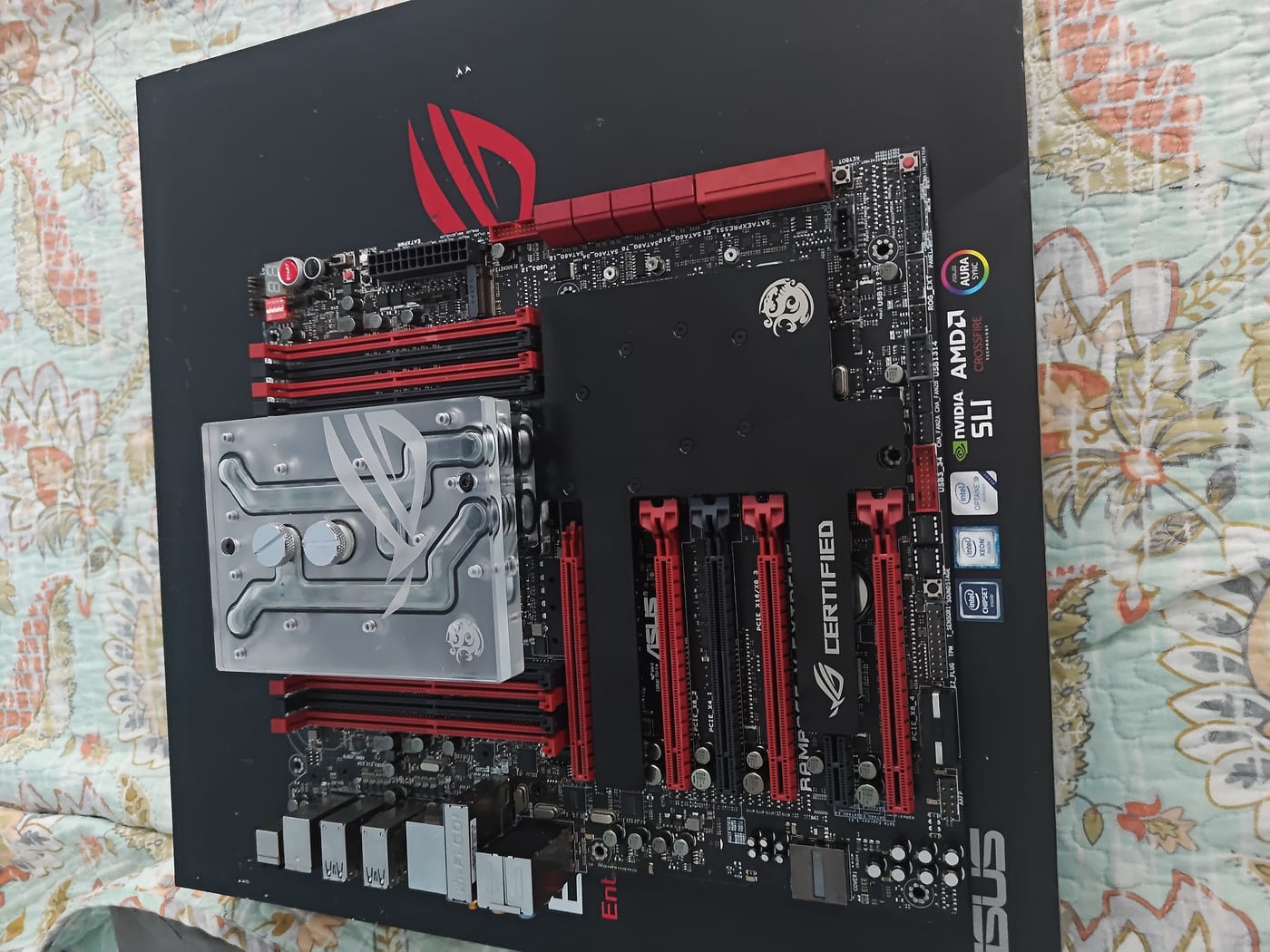
The bundle: an ASUS ROG Rampage V Extreme (X99, LGA2011-3), an Intel Core i7-6950X (10-core Broadwell-E), and a Bitspower ROG Certified Full Cover Monoblock already mounted on the board. All three, one listing.
It arrived showing POST code 53 — memory initialization failure. The board wouldn’t get past it. On the surface, dead on arrival.
The Negotiation
POST code 53 is ambiguous enough that I couldn’t rule out a deeper problem. Could be RAM. Could be the IMC. Could be the board itself. Without proper test hardware on hand I had no way to know which. I went back to the seller and negotiated a $90 partial refund, assuming the worst — that this was a paperweight with a 6950X trapped inside it.
I pulled the monoblock off to get eyes on the socket. The 6950X was physically present, seated correctly, no bent pins. Good sign, but not conclusive.
Then the board just sat.
Weeks went by. I had other things going on and the Rampage V lived in a corner of the bench not doing anything. Eventually I borrowed a kit of DDR4 from my brother’s machine and decided to actually take a proper run at it.
Two Things I Should Have Checked Immediately
Before slotting RAM I looked the board over more carefully.
That’s when I noticed the Slow Mode switch was on.
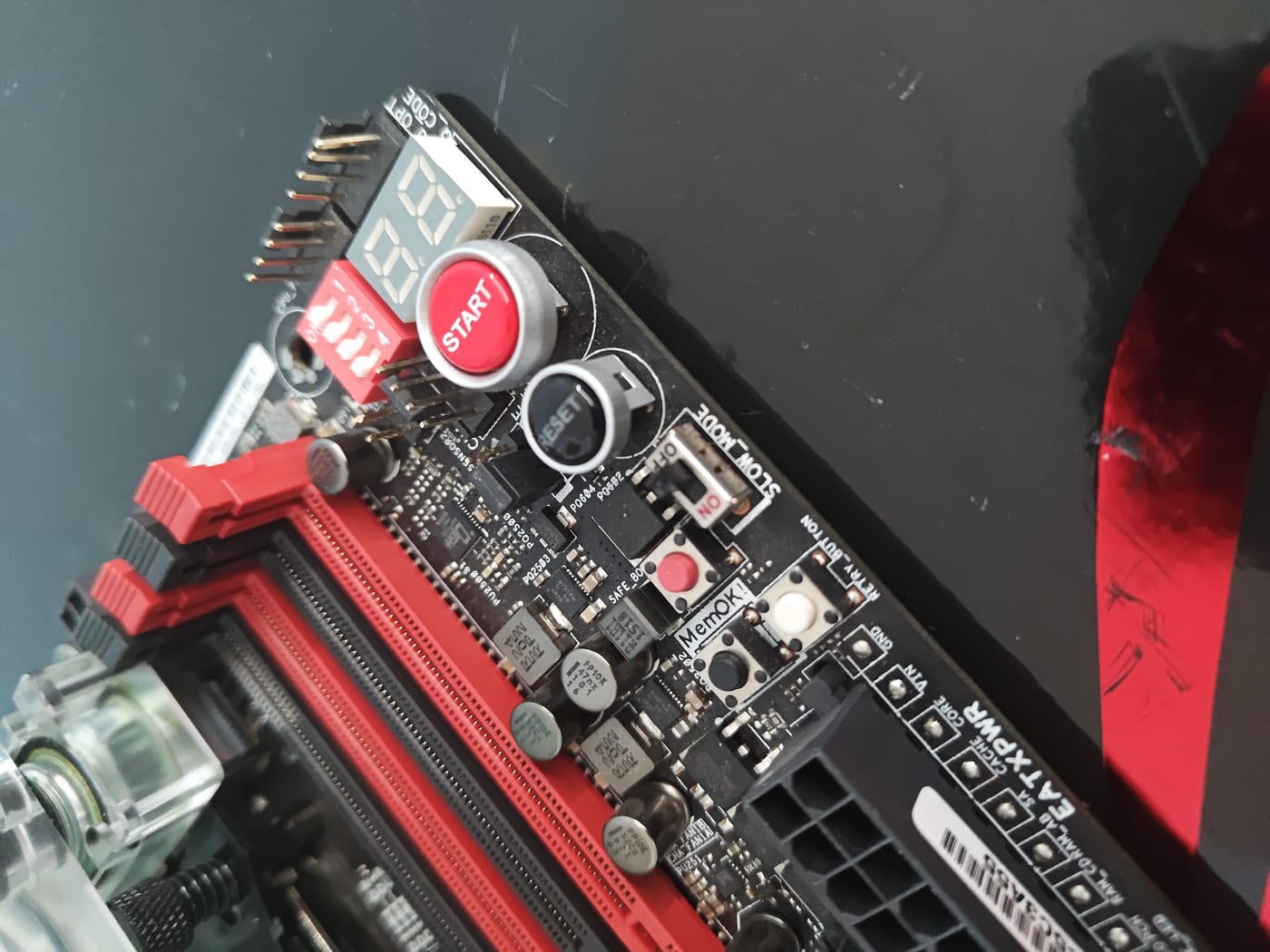
Slow Mode is an overclocking recovery feature — it forces the CPU to run at a dramatically reduced multiplier, designed for LN2 sessions where you need to bring the chip up slowly through cold bug range. It is not something you want engaged during normal diagnostics. With it on, depending on BIOS state and what was saved, it can contribute to a board that just won’t cooperate.
I flipped it off. Slotted the borrowed DDR4.
Hit power.
It Posted First Try
Straight into UEFI. No hesitation. No debug codes cycling. The i7-6950X came up at 3.00GHz, 8,192MB DDR4-2133 detected, everything nominal. The board and CPU were completely healthy.
The culprit the entire time was a combination of a dead DDR4 test kit — whatever RAM I’d tried initially was the problem, not the board — and the Slow Mode switch sitting in the wrong position. Two things working against me at once, making a healthy board look like a brick.
The $90 refund I negotiated? Earned it back instantly just on the CPU alone.
This is the second time I’ve acquired a “broken” HEDT board that turned out to only need proper diagnosis. The first was the ROG Dominus Extreme revival — POST code 00, looked completely dead, turned out to be corrupt CMOS data cleared with a single button press. These flagship boards are built to survive. They’re not as fragile as their price tags suggest.
What the Rampage V Extreme Actually Is
It’s easy to look at a 2015 X99 board and write it off. Don’t.
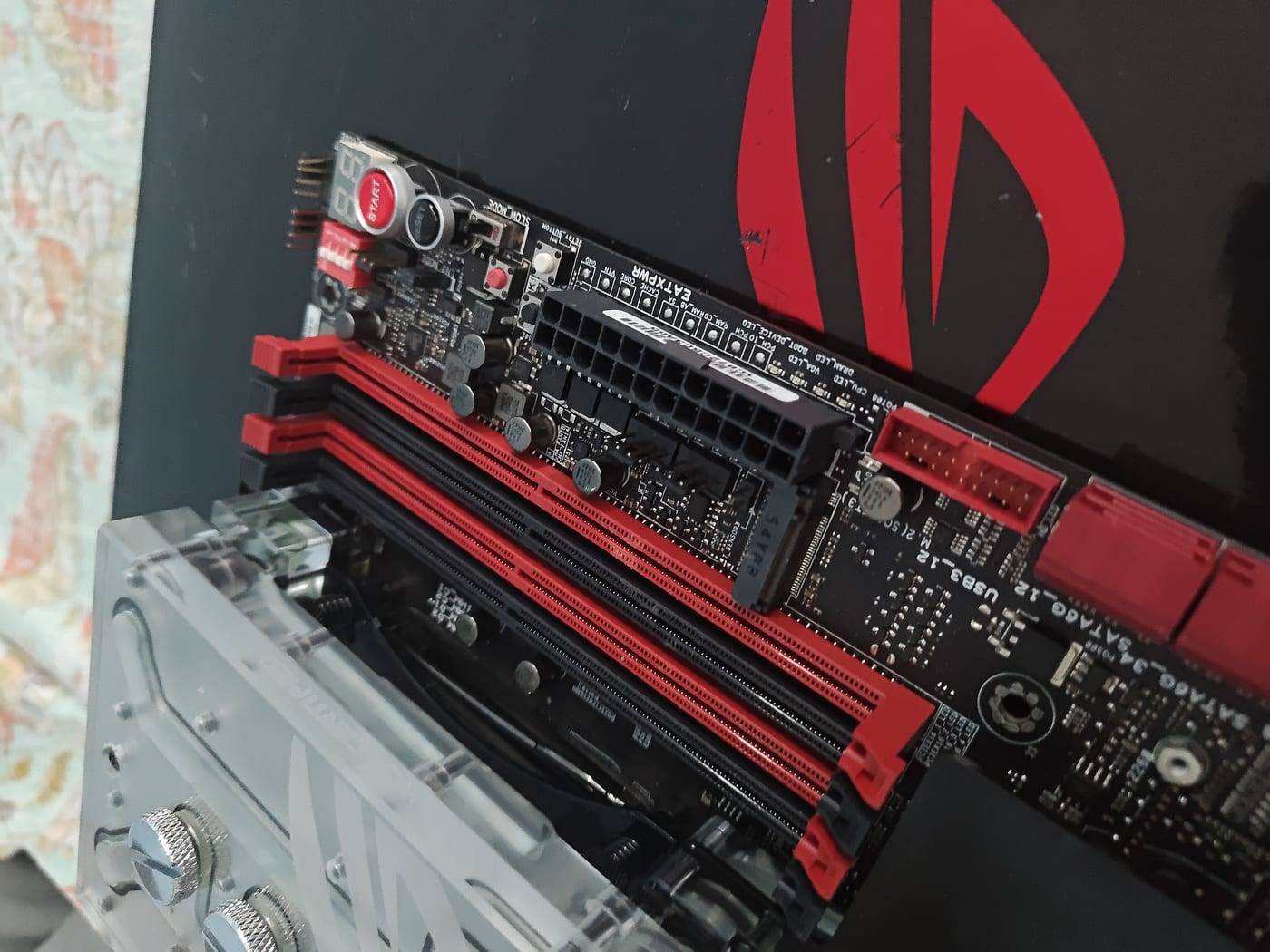
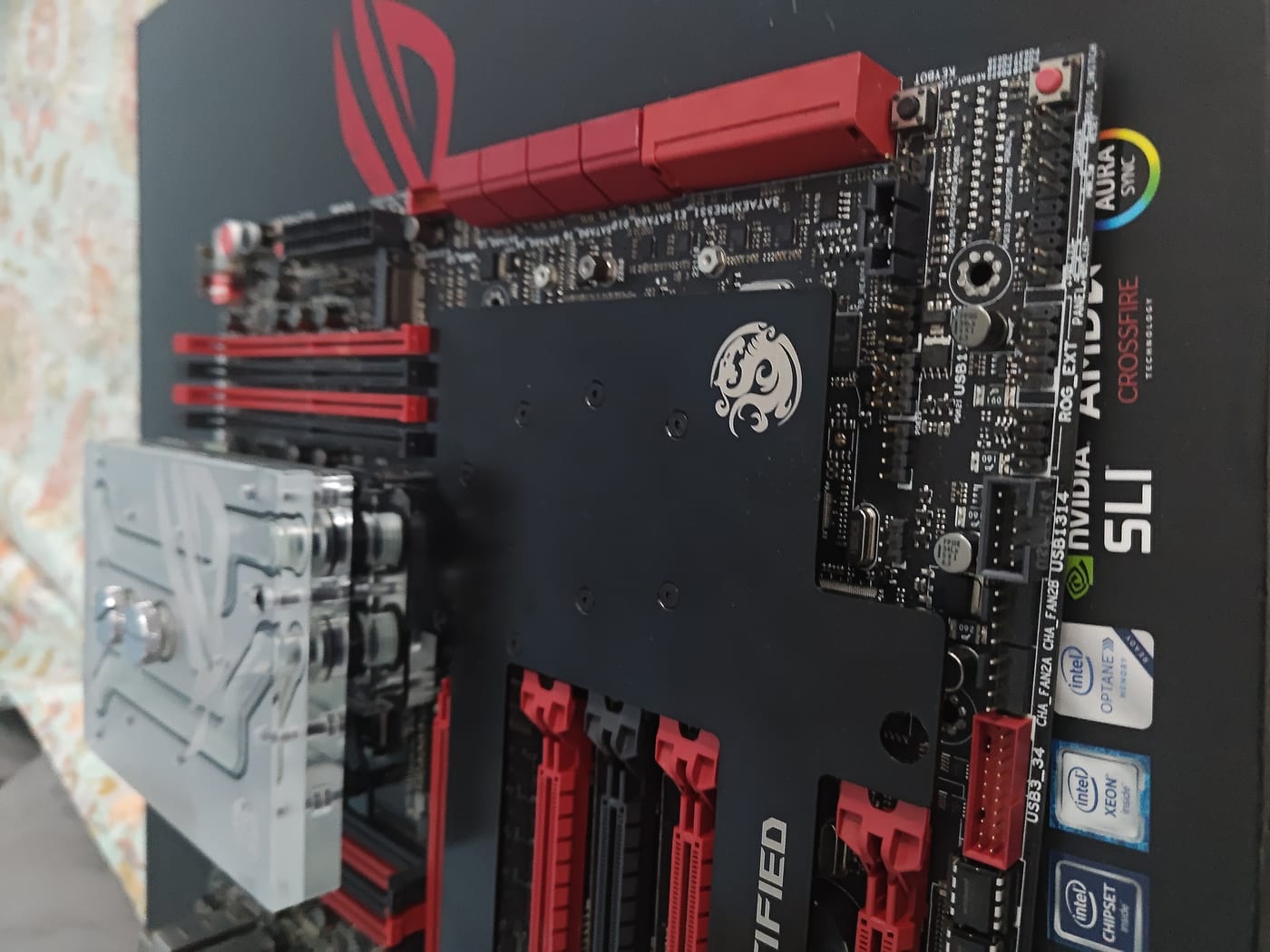
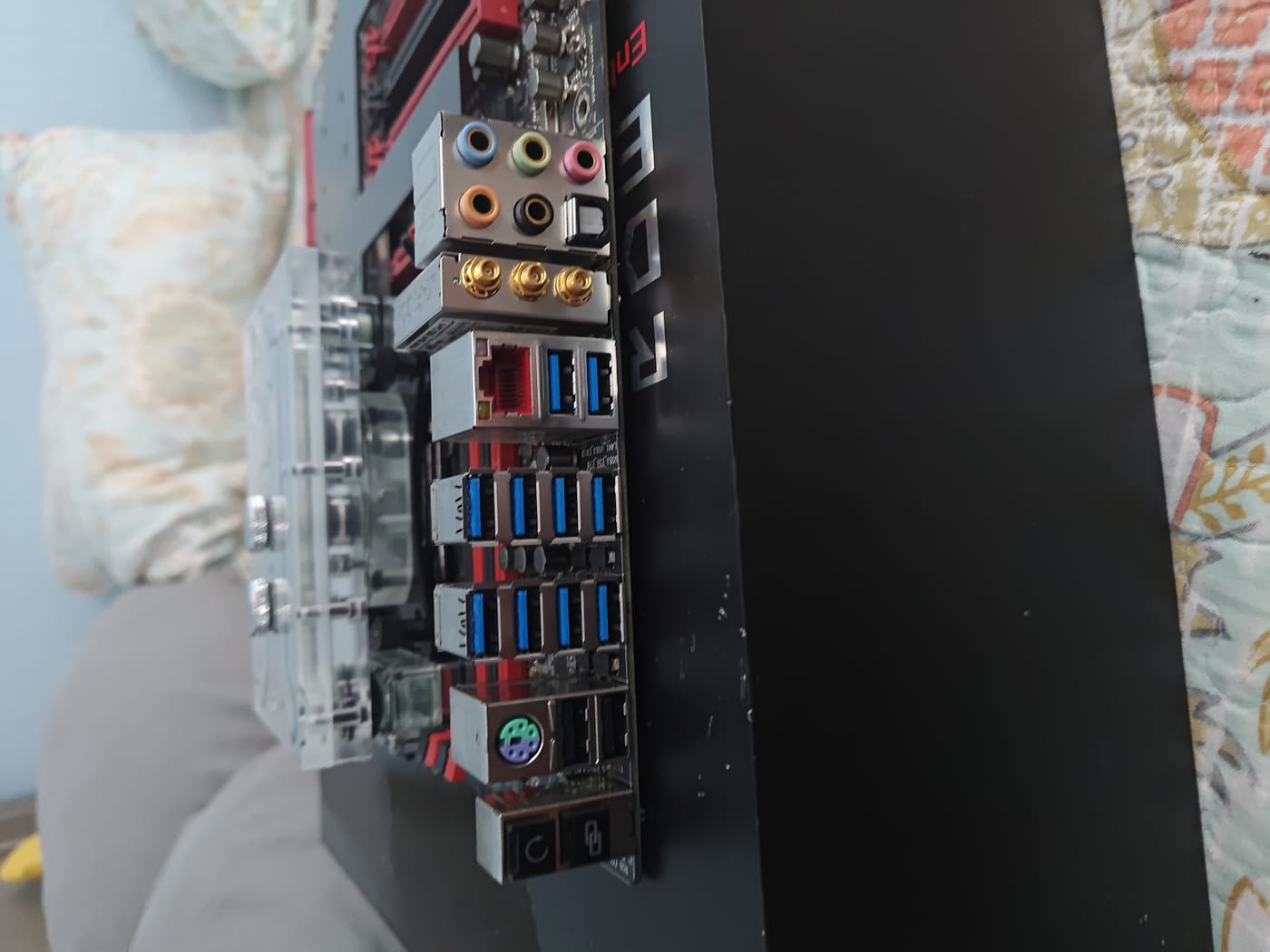
The Rampage V Extreme was ASUS ROG’s absolute flagship for the LGA2011-3 platform. It wasn’t just a spec sheet exercise — there are engineering decisions on this board that most motherboards, even expensive modern ones, never bother with.
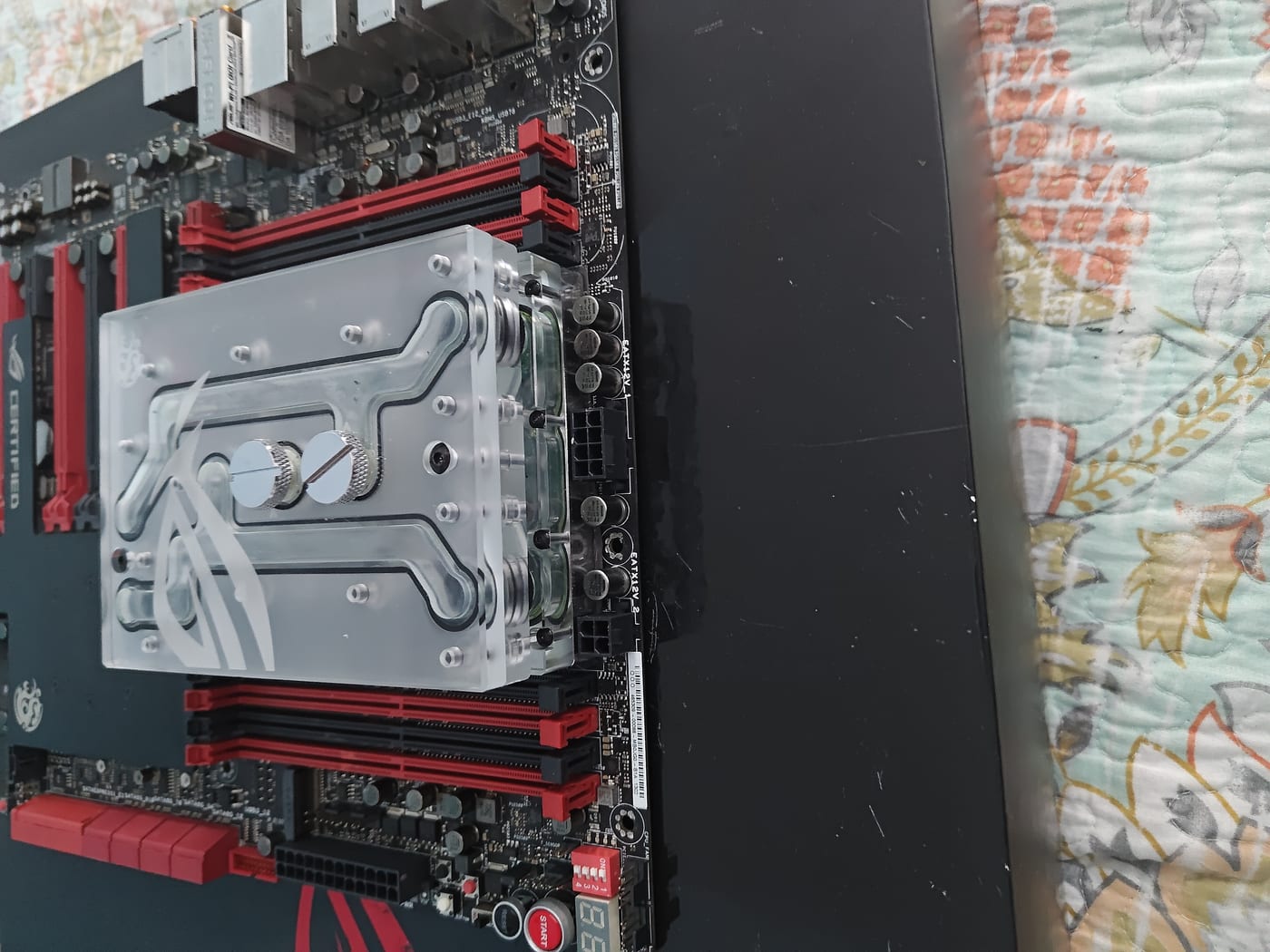
OC Socket — ASUS filed a patent on this at launch. The standard LGA2011-3 spec leaves certain CPU pins unused. Haswell-E (and Broadwell-E) processors have extra pins that Intel didn’t activate at the platform level. The Rampage V Extreme’s OC Socket makes contact with those additional pins specifically to feed more voltage headroom to the CPU and DDR4 subsystems. This isn’t a software toggle. It’s a hardware change to the socket itself, aimed at extreme overclocking and LN2 use cases where you need every bit of voltage control you can get.
Dual socketed BIOS chips — Along the bottom edge of the PCB. Two physical BIOS chips, and they are socketed, not soldered. If one chip corrupts, the other is right there. Hardware-level redundancy that doesn’t require any software or button magic to fall back on. Even a lot of current flagship boards don’t do this.
M.2 PCIe x4 — Tucked between the SATA port block and the lower DIMM slots. Supports M.2 PCIe SSDs up to 80mm. Worth knowing: the M.2 slot and the fourth red PCIe x16 slot share bandwidth and are mutually exclusive — populate the M.2 and that slot goes dark, and vice versa.
The Monoblock
This is where the bundle gets interesting.
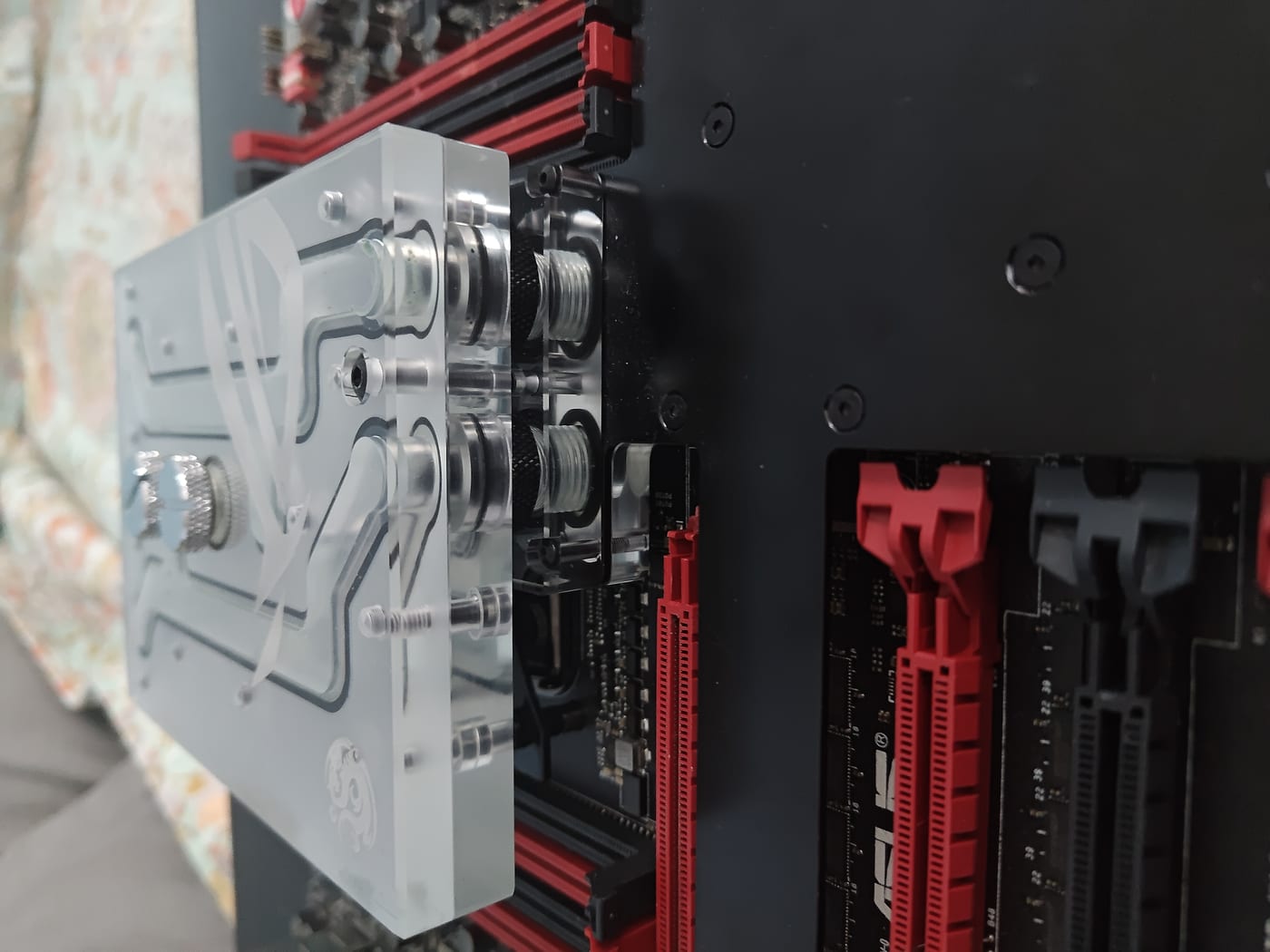
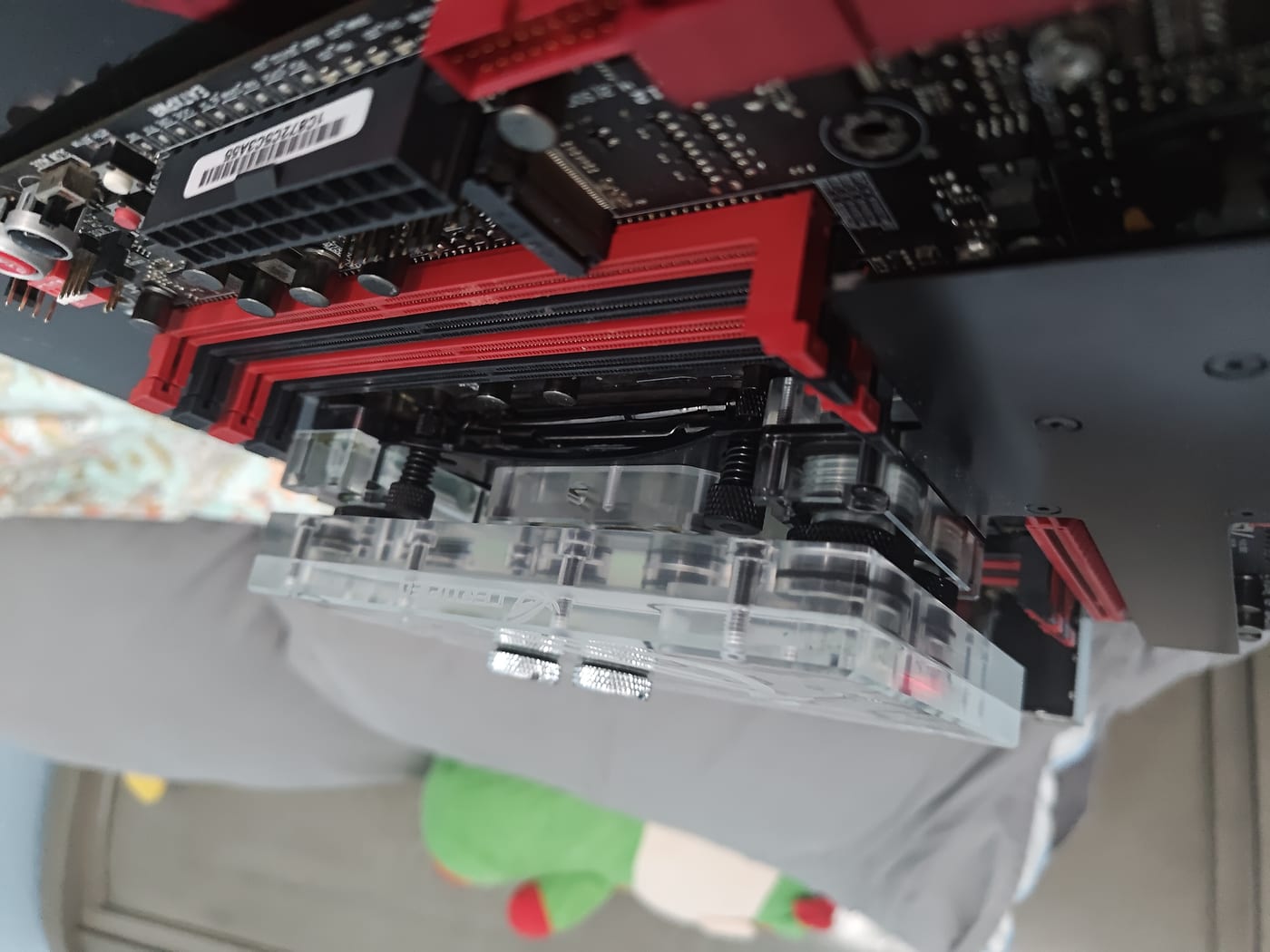
The Bitspower piece that came mounted on this board is not a generic third-party block. It is the Bitspower ROG Certified Full Cover Monoblock (model BP-ROGCR5EFCB, clear variant) — an official collaboration between Bitspower and ASUS ROG, designed specifically for the Rampage V Extreme. Not compatible with anything else. Purpose-built for this board.
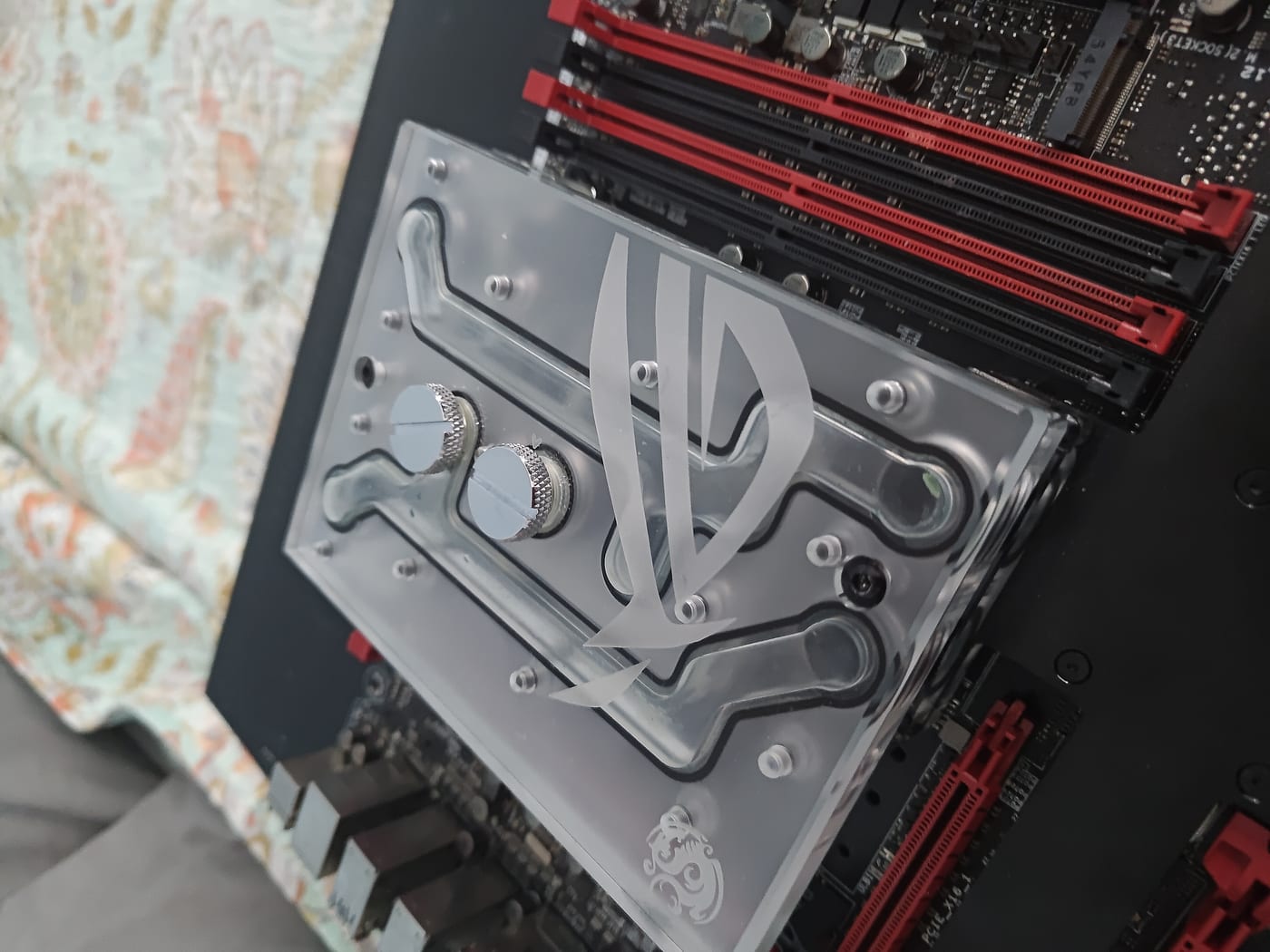
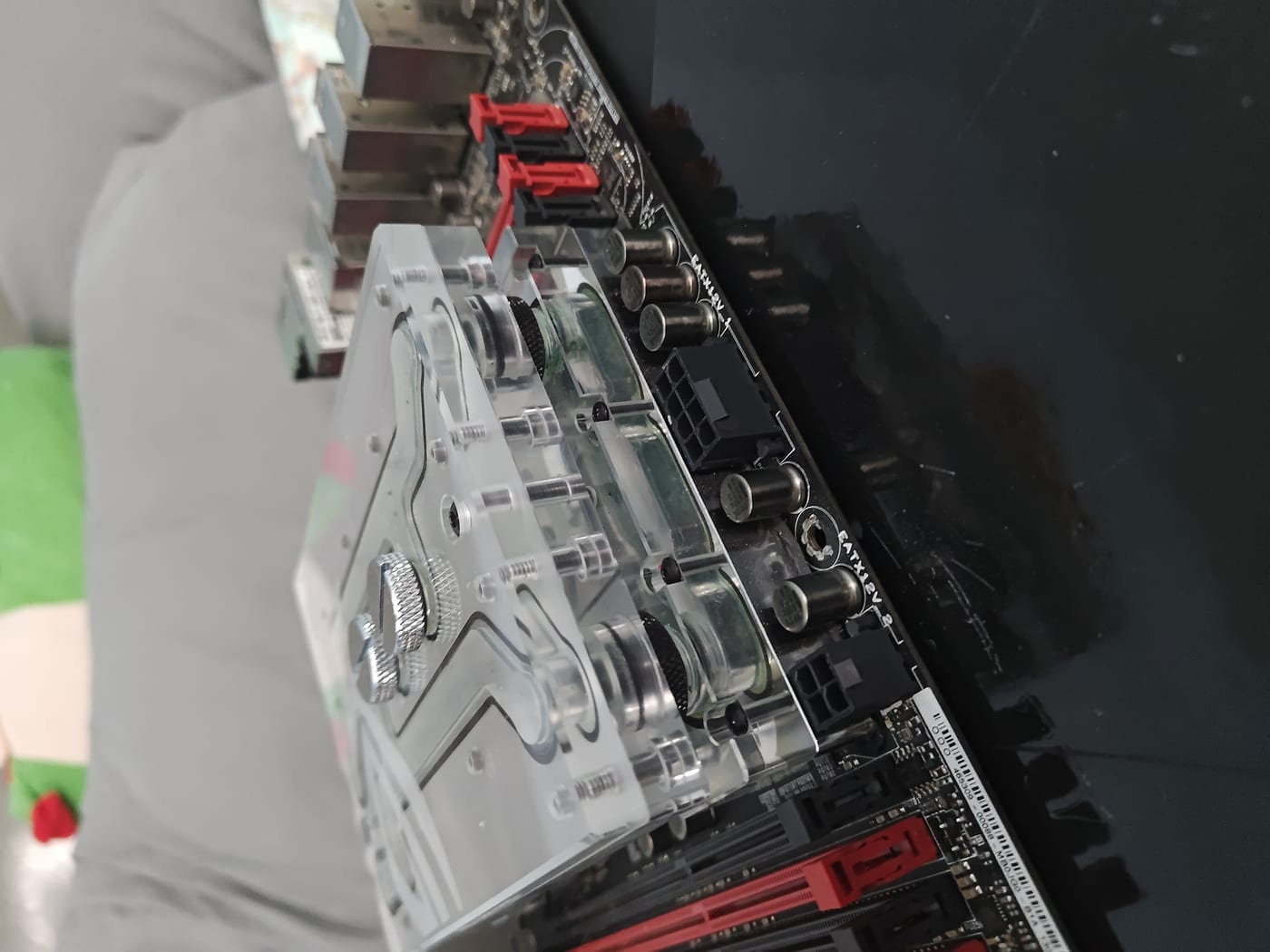
Clear acrylic top with the ROG eye logo engraved directly into the acrylic. The engraving carries through to the metal components as well. Copper base, nickel finish. The block covers the CPU, the chipset, and the MOS/VRM sections all in a single connected piece — only two G1/4” connections needed, one in and one out. One loop, total board coverage, nothing left air-cooled.
What ROG Certified Actually Meant
ROG Certified wasn’t just a badge Bitspower slapped on the box. It was a formal partner program ASUS ROG ran with select third-party manufacturers — announced in December 2016, around the same time this monoblock was hitting the market. The premise was simple: ROG wanted to extend their ecosystem beyond their own hardware without losing quality control. So they partnered with premium brands, had products designed specifically to integrate with ROG boards, and put them through testing before issuing the certification.

The program wasn’t wide open. You didn’t just apply and get a sticker. Products had to be purpose-designed for specific ROG hardware, tested by ASUS, and validated before they earned the badge. That’s why this block carries the ROG Certified name — it was built to spec for this board under a formal agreement, not just styled to match.
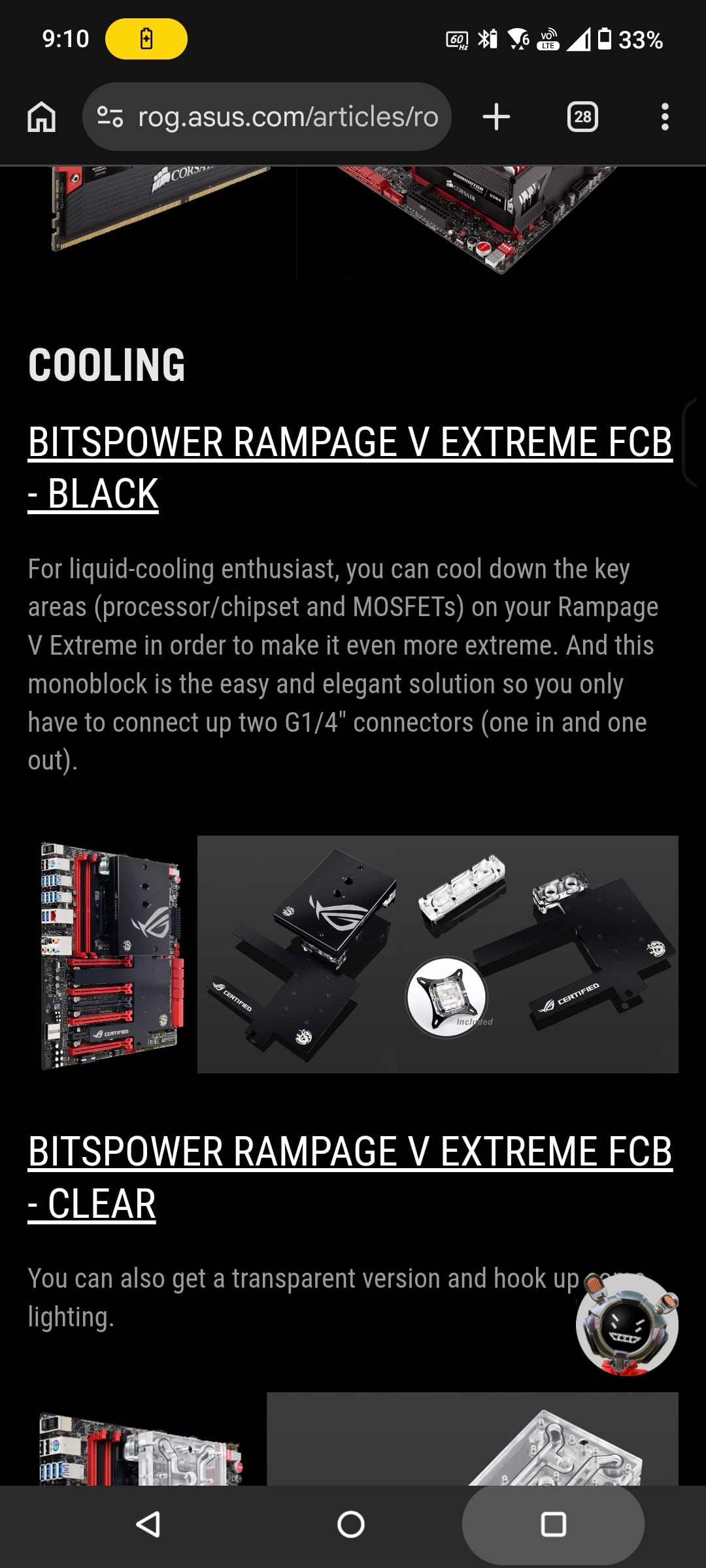
ASUS listed both variants of the Bitspower Rampage V Extreme FCB — Black and Clear — directly on their own ROG articles page, alongside the board itself. That’s not a third-party claiming compatibility. That’s ASUS pointing at it and saying this is the cooling solution for this board.
The block is end of life — listed on Bitspower’s discontinued products page. There are no sold comps on eBay for this specific model. Zero. The only remotely comparable sold listing I found was an EKWB Rampage V Extreme monoblock that moved for around $60 — but the EKWB block is a standard production piece, not an official ROG Certified collaboration with a formal design and testing process behind it. They’re not in the same category.
When there are no comps, you’re pricing in the dark. What I can say is that anyone building a proper custom loop around a Rampage V Extreme who wants factory ROG certification and period-correct hardware will not find another one of these easily.
Where This Sits
The board posted, the CPU is healthy, and the monoblock is one of the rarer ROG collaboration pieces in existence. What started as a bundle that looked dead on arrival turned into one of the cleaner X99 acquisitions I’ve made.
The 6950X is a 10-core Broadwell-E with an unlocked multiplier, quad-channel DDR4, and 40 PCIe lanes. On a board like the Rampage V Extreme with the OC Socket and the VRM headroom to match, this thing has room to run. The Bitspower block means the cooling infrastructure is already there.
It just needed someone to flip the right switch.
ASUS ROG Rampage V Extreme — X99, LGA2011-3, i7-6950X installed, Bitspower ROG Certified Full Cover Monoblock (BP-ROGCR5EFCB). Status: fully alive.
From Marks Finds